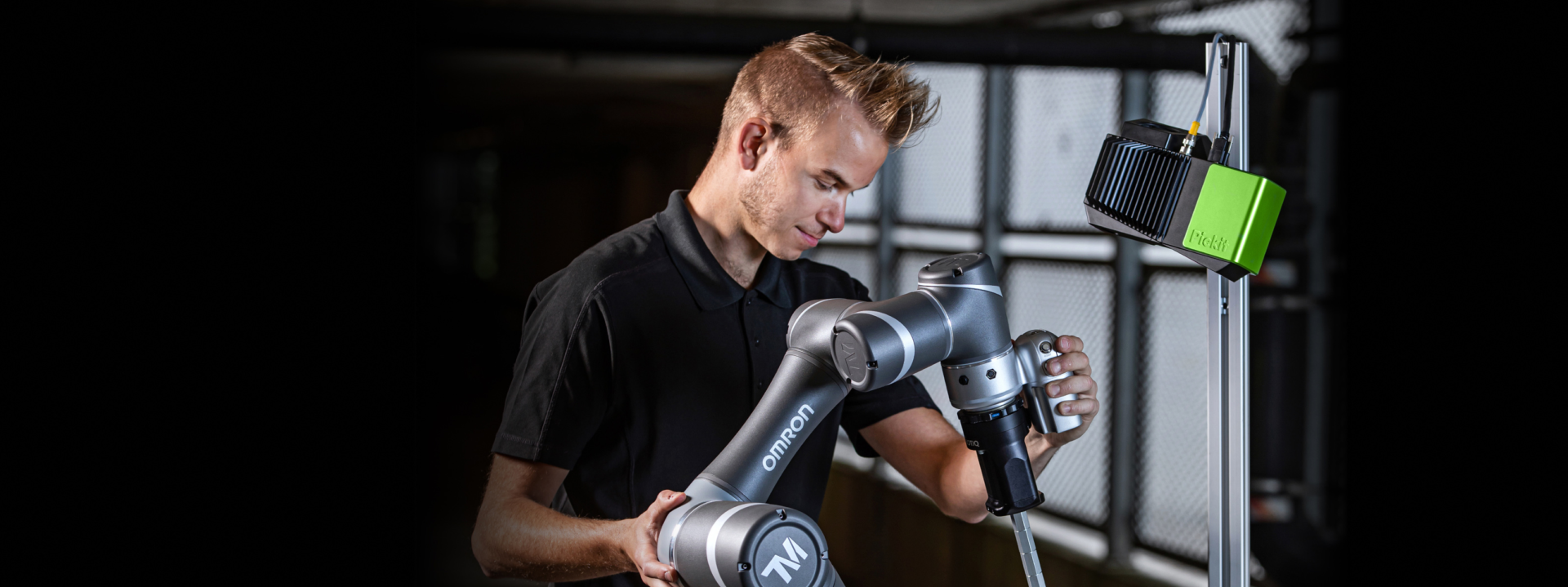
How to keep your robot from crashing into an iceberg
The captain’s guide to bin picking collision management
Collisions are like the icebergs of 3D vision bin picking. When using the Pickit 3D system, well-considered collision management helps you to detect, avoid, and recover from impact... preventing your process from sinking...
-

STEP 1: Collision prevention.
Your radar.
Before you set sail, you scan the ice field.📡 The Pickit interface proactively checks each pick point against your modeled environment - your tool, bin, and bin contents - to flag risky picks as unpickable.
-
STEP 2 Bin extraction.
Your navigation route.
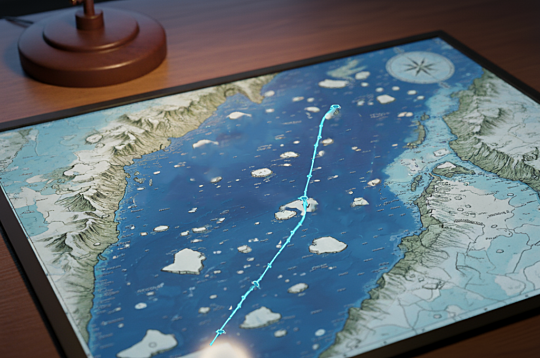
Even the best radar needs a steady hand at the helm.🧭 Pickit helps you to construct predictable bin extraction paths in the robot program, so your robot doesn’t take any risky shortcuts through the ice.
-

STEP 3 Collision recovery.
Your emergency maneuver.
Unexpected ice can still rise to the surface now and then. Like a part inside a bin that has moved or is being blocked by others.
⚓ A collision recovery routine in the robot program allows you to detect impact, stop motion, retract the tool, drop the object, and resume the cycle - automatically - without production downtime.
Proper collision management allows you to avoid crashes and helps you to master 3D robot vision navigation.
Consult our free knowledge-base for detailed information.
Or get in touch to discuss your challenges...